

Well-crafted software from indie makers and small teams, every tool reviewed by hand.
PaidProductivity

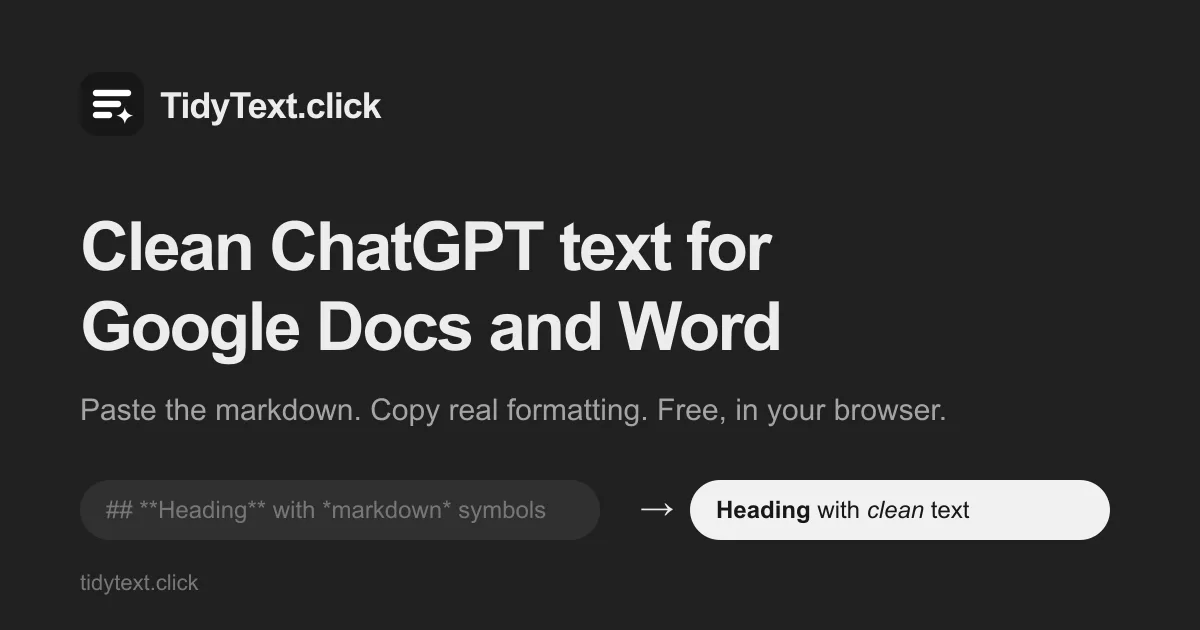
AI chat answers are written in markdown, so pasting them into Google Docs or Word leaves asterisks, pound signs and rows of pipes everywhere. TidyText converts the answer into real formatting before you paste: headings, bold, bullet and numbered lists, tables with borders, code blocks and readable math. It also strips hidden Unicode characters, can swap em dashes for commas or hyphens, and offers a plain-text copy. It runs entirely in your browser, so nothing you paste is uploaded or stored. Free, no account and no limits.
Why teams choose TidyText
Founders and writers who move ChatGPT answers into docs spend more time deleting stray asterisks and pipe characters than editing. TidyText turns markdown into real headings, lists and tables before you paste, and it runs entirely in the browser so nothing leaves your machine.
No. The conversion runs entirely in your browser, so pasted content is never uploaded or stored.
Notable alternatives to TidyText
Well-crafted software from indie makers and small teams, every tool reviewed by hand.

Private browser with a separate login for every company

AI 获客工作台:从公开信息中寻找匹配需求并整理证据
Find PDF accessibility issues for free, with fix guidance

Two taps and it's already written

Claude’s most advanced models for coding and knowledge work