
RemoveObjectFromPhoto: Your AI-Powered Solution for Flawless Photo Cleanup
In today’s visual-first world, a clean, distraction-free photo can make all the difference. Whether you’re a social media influencer, an e-commerce seller, a graphic designer, or simply someone who wants to perfect a personal snapshot, unwanted elements in an image can ruin an otherwise great shot. RemoveObjectFromPhoto is an AI-powered photo editing tool designed to solve this exact problem. It allows users to effortlessly remove unwanted objects, people, and text from their images, delivering clean, natural-looking results in seconds.
Core Functionality and How It Works
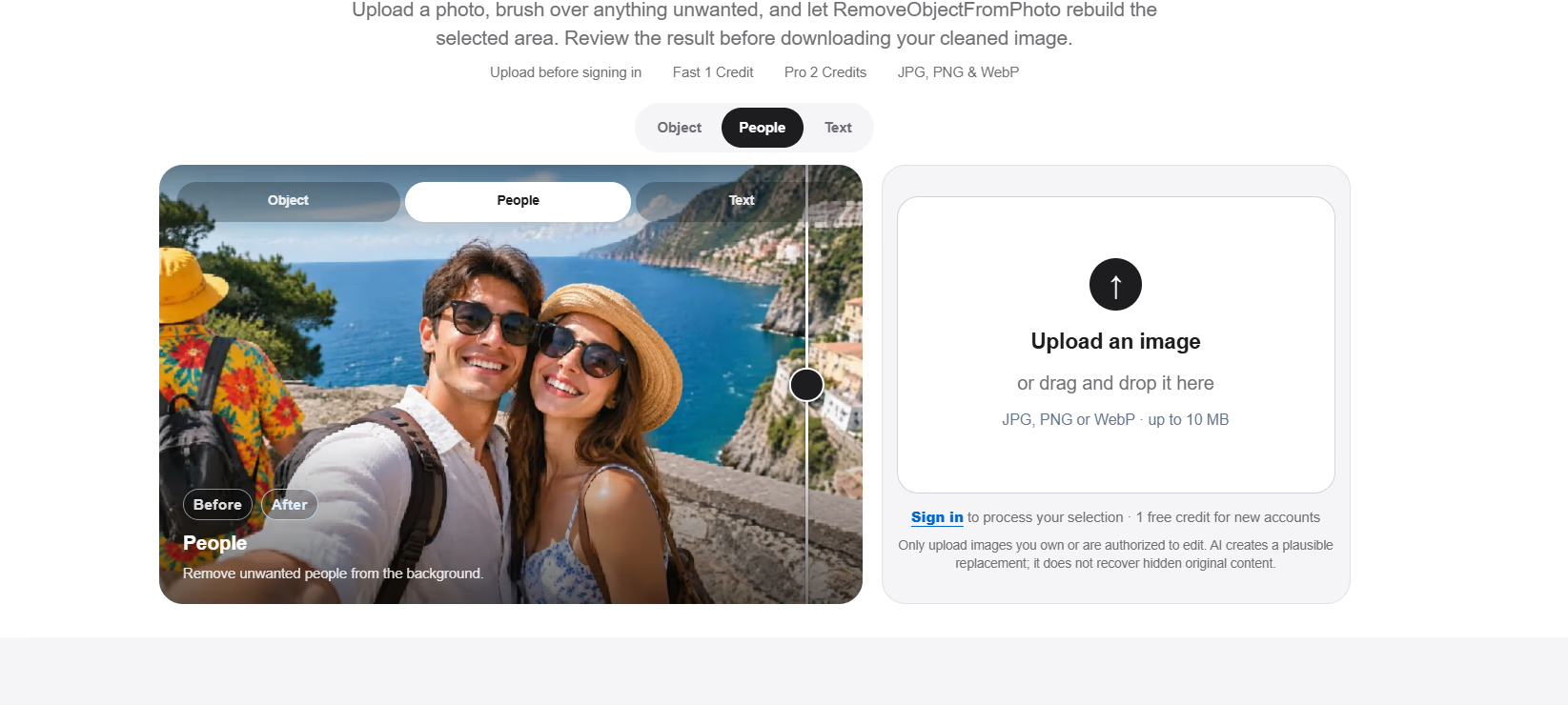
RemoveObjectFromPhoto is built around a simple, intuitive workflow. The process begins by uploading an image. The tool supports common formats including JPG, PNG, and WebP, with a maximum file size of 10 MB — enough for most standard photos. Once uploaded, users simply use a brush tool to mark the area they want to erase. The AI then analyzes the surrounding pixels and reconstructs the selected area, seamlessly filling in the background as if the unwanted object was never there. Finally, users can review the reconstructed area in a before-and-after comparison view and download the cleaned image.
One of the standout features is the ability to choose between Fast and Pro processing modes. The “Fast” mode is ideal for small, simple targets on uncluttered backgrounds, while the “Pro” mode is better suited for complex edges, larger selections, and detailed textures. The editor transparently shows the credit cost before processing, allowing users to make informed decisions.
Versatile Removal Capabilities
The tool is not limited to a single type of object. It can erase unwanted objects, people, visible text, and stickers from any image the user is authorized to edit. For users with specific needs, dedicated pages for removing people or text provide more focused guidance, ensuring optimal results for each use case. Whether you need to clean up a work photo, remove a distracting element from a travel shot, or polish a product image for an online listing, RemoveObjectFromPhoto offers a flexible solution.
Practical Applications and Use Cases
RemoveObjectFromPhoto is designed for a wide range of practical scenarios. For social media content creators, it helps clean up cluttered backgrounds and remove unwanted elements that distract from the main subject. For e-commerce sellers, it’s an invaluable tool for removing logos, watermarks, or unwanted objects from product photos, creating polished listings that attract buyers. For personal use, it can erase photobombers, text overlays, or stray objects from cherished memories.
The tool also emphasizes background preservation. The AI uses the visible surrounding image as a reference when reconstructing the selected area, ensuring that the rest of the photo remains intact and natural. Users are advised to review the boundary at full size, especially near architecture, faces, and repeating patterns, to ensure the result looks seamless.
Tips for Best Results
The website offers practical advice for achieving cleaner results in a single pass. Users should paint the complete target with a small margin around attached shadows or residue, then inspect the edge before judging the full image. For large, unrelated objects, splitting them into separate selections provides more control and better outcomes. It’s also important to note that the AI creates a plausible replacement rather than recovering hidden original content, so objects covering important details (like hair, grass, repeated lines, reflections, and large objects) may be harder to erase perfectly.
Free and Accessible
One of the most appealing aspects of RemoveObjectFromPhoto is its accessibility. The tool is free to use and requires no signup for basic functionality, making it easy for anyone to try. The credit system allows users to process images quickly, with transparent costs shown before each operation.
Conclusion
RemoveObjectFromPhoto is a powerful, user-friendly tool that leverages AI to simplify photo editing. By combining intelligent object removal with a straightforward interface, it empowers users to create clean, professional-looking images for any purpose. Whether you’re a professional editor or a casual user, this tool offers a fast, effective way to erase distractions and enhance your photos — all without the need for complex software or steep learning curves.


